Navigation, online and offline
Set a destination, follow turn guidance, and download maps for offline routing.
IQ.Pilot by IQ.Lvbs
Steering, adaptive cruise, and navigation on supported vehicles. Choose how IQ.Pilot drives, then manage your device and review your drives with Konn3kt.
IQ.Pilot
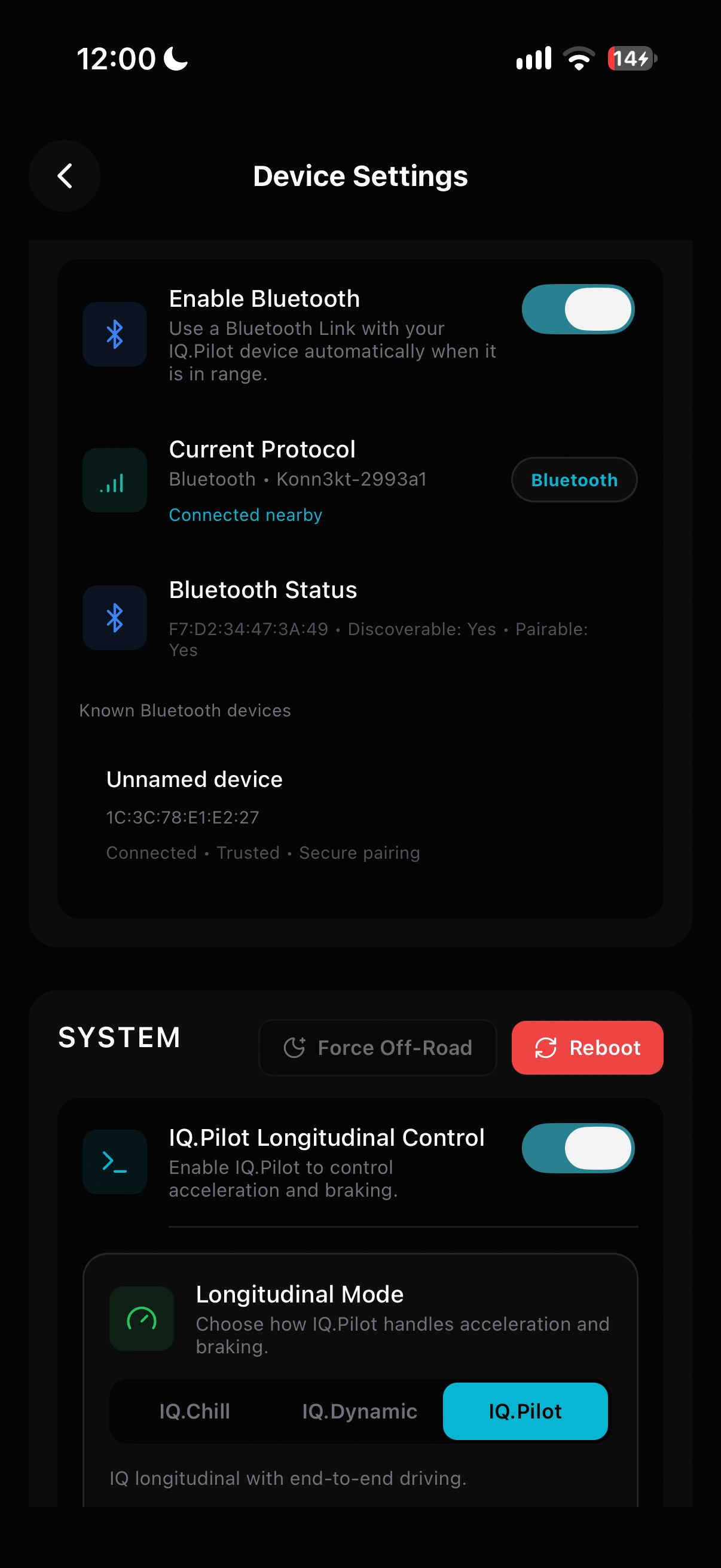
Keep your factory adaptive cruise, use vision-based ACC, or select end-to-end longitudinal control. Tune following behavior, steering, and lane-change preferences on the device.
IQ.Dynamic
Dynamically switches between IQ.Chill and IQ.Pilot using your configuration. Choose the conditions that trigger end-to-end control, including curves, slower traffic, low speeds, and model-predicted stops.
Available modes depend on the vehicle and its longitudinal-control support. Driving guide
Set a destination, follow turn guidance, and download maps for offline routing.
Display the limit, receive overspeed warnings, or use speed-limit control with configurable confirmation.
Adjust assisted lane changes, Always-On Lateral, and steering behavior for your supported vehicle.
The on-road interface
Live driving state and the model’s planned path, in an interface designed for your device.
BIG UI brings the road camera, speed controls, and developer telemetry together. Navigation can share the screen.
The compact mici interface keeps the driving path, steering status, and driver monitoring visible on the smaller display.
Konn3kt
Review a drive, check a live camera, send a destination, or change a setting. Konn3kt brings your paired IQ.Pilot devices together on iOS, Android, and the web.
Open the web app
On your phone
See connection status, recent drives, mileage, and device statistics. Open Live View or send a destination from the home screen.
One account can hold multiple paired devices.
Explore the mobile app guide Android internal testingSwitch between road, wide, and driver feeds. Capture snapshots and use two-way audio on supported devices.
Choose who can access a route or device, preserve recordings, and manage upload preferences.
Access device logs, files, a terminal, and recovery controls when you need to investigate a problem.

IQ NutCracker
Run BIG or small driving models on an Apple Silicon Mac connected to IQ.Pilot over USB 3. The native app shows the connection, loaded model, and inference timing.
Compatibility
IQ.Pilot supports the stock openpilot vehicle list, plus additional cars and configurations. Match your exact model, year, trim, and harness before installing.
* Representative brands, not a complete compatibility list.
comma 3, comma 3X, comma 4, and Konik A1/M.
Acura, Audi, Buick, Cadillac, Chevrolet, Chrysler, CUPRA, Dodge, Ford, Genesis, GMC, Holden, Honda, Hyundai, Jeep, Kia, Lexus, Lincoln, MAN, Mazda, Nissan, Peugeot, Porsche, Ram, Rivian, SEAT, Škoda, Subaru, Tesla, Toyota, Volkswagen, and others covered by stock openpilot.
Availability varies by vehicle, equipment, and configuration.
About IQ.Lvbs
IQ.Lvbs develops IQ.Pilot, Konn3kt, and IQ NutCracker: driver assistance on the device, tools to connect with it, and external compute for driving models.
IQ.Pilot builds on openpilot with additional controls, vehicle support, and interfaces. Our community helps shape development through feedback, route reports, and testing.
Talk with the team and communityStay attentive and ready to take over. IQ.Pilot uses camera-based driver monitoring and attention alerts; the driver remains responsible for steering, braking, and the road ahead.
Get started
Connect your device to Wi-Fi, then enter an installer URL during setup.
Some devices require IQ.OS first. Get help with your hardware.
No. Pairing with Konn3kt is optional. An account adds route access, live cameras, remote device tools, and the mobile apps.
Stable is the recommended starting point. Beta gives you earlier access to changes that are still being refined.
No. IQ.Pilot can run supported small models on the device. IQ NutCracker and supported AMD USB GPUs provide additional compute options.
IQ.Pilot supports offline routing with downloaded maps. Download the required regions and enable offline routing before you go.
Read the documentation, join the IQ.Pilot community on Discord, or email [email protected].